Sign in to unlock valuable content and features from our AI-driven platform. Receive timely technology updates and the latest information from the solution providers who can help you realize your goals.
Cynoteck technology solutions pvt ltd is ready to help!
Start your journey by entering your name and email address below:
Please confirm your email address!
We are going to send a confirmation email to your email address to let you receive timely technology updates and the latest information from the solution providers who can help you realize your goals.
Is this you? Please confirm your name and email address below to receive the requested information.
Please check this box to confirm that you are opting-in to receive communications from Cynoteck technology solutions pvt ltd and the data sharing outlined in our privacy policy.
Initializing
Loading
Microsoft Copilot for Microsoft 365
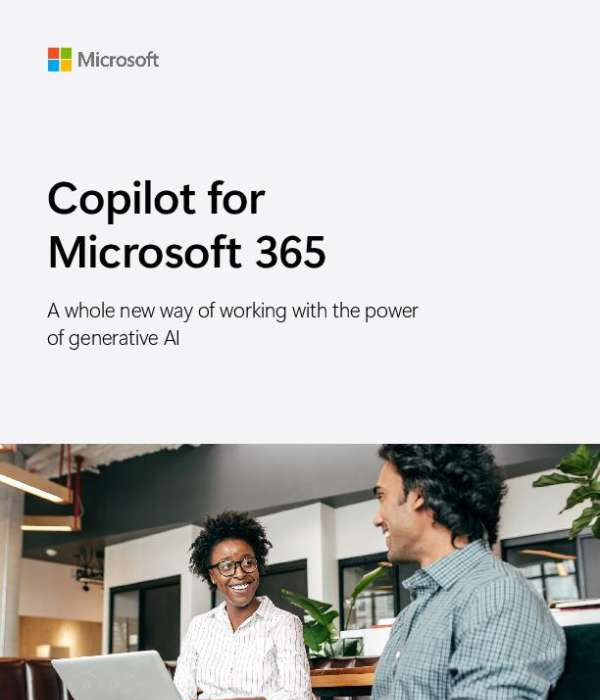
Working smarter starts with the right tools. This guide to Copilot for Microsoft 365 will tell you about the benefits you can get with Microsoft's AI-powered assistant like Copilot and how it can help you be more productive and creative at work. Copilot is part of Microsoft 365 apps like Teams, Outlook, Word, and PowerPoint. Download the eBook and find out all that you can accomplish with Copilot. Contact Cynoteck technology solutions pvt ltd for tailored guidance on integrating Copilot into your operations.
Please enter your information below to access this content:
Copilot for Microsoft 365 is an AI-powered assistant that works alongside users in applications like Teams, Outlook, Word, and PowerPoint. It enhances productivity by helping users generate content, find information, and manage tasks more efficiently. By leveraging generative AI and large language models, Copilot allows users to complete their work faster, freeing up time to focus on more strategic business activities.
How does Copilot improve productivity?
Copilot for Microsoft 365 helps businesses by streamlining workflows and reducing the time spent on routine tasks. According to a survey, 81% of early access program customers reported increased productivity, while 76% noted improved work quality. By automating administrative tasks and providing quick access to relevant information, Copilot enables employees to concentrate on high-value activities, ultimately boosting overall efficiency.
Is my data secure with Copilot?
Microsoft is committed to maintaining the security and privacy of user data when using Copilot for Microsoft 365. The platform inherits existing security, compliance, and privacy policies set up in Microsoft 365, ensuring that your data remains protected. Microsoft does not use your data to train AI models without your permission, and comprehensive security controls are in place to safeguard your information throughout its use.
Microsoft Copilot for Microsoft 365
published by Cynoteck technology solutions pvt ltd
Cynoteck is a Microsoft Solutions Partner for Business Applications and Salesforce Consulting Partner with more than 150 employees with Microsoft and Salesforce Certifications.
Cynoteck is a dynamic and professional IT services provider that serves enterprises and individuals, helping them meet the challenges of the global economy.
We offer services in the area of ERP & CRM Consultation and implementation, Application development, Mobile application development, Web development & Offshore Development. Our experienced Project Managers apply a mature development methodology, continuously exceeding our client’s business expectations, and ensuring the success of off-shoring projects. We have expertise ranging from consulting on business and technology to creating innovative technology solutions. Our vision shapes the culture at Cynoteck, which lays a strong emphasis on innovation and thought process.





 Sign in with LinkedIn